
Sitey · free tools
Free QR code generator
A QR code for your shop’s WhatsApp, your Google review link, your location, your menu, a phone number or the Wi-Fi password, with your logo in the middle. Print a counter card or a sticker, or send it on WhatsApp. No sign-up, and the code never expires because it holds the link itself.
New here? Watch a short video on how to make it
Quicker: in one message, in Urdu or English, and it fills the boxes for you.
Opening the editor…
Watch how to make it: a short video

The video shows the same tool in the free Sitey app. Open on YouTube
Free file tools for it
How to make it
- Choose what it opensA WhatsApp chat (with a ready message), a website or any link, a phone call, Wi-Fi, or plain text.
- Type itYour number like 0300 1234567, the link (your Google Maps location or review link works), or the Wi-Fi name and password.
- Add the words and logoA line on top such as "Scan to order on WhatsApp", your shop name under it, and your logo in the middle if you like.
- Print or sendA6 counter card, A5 for the wall, a 3 × 3 in sticker, a square post or a WhatsApp Status.
The designs
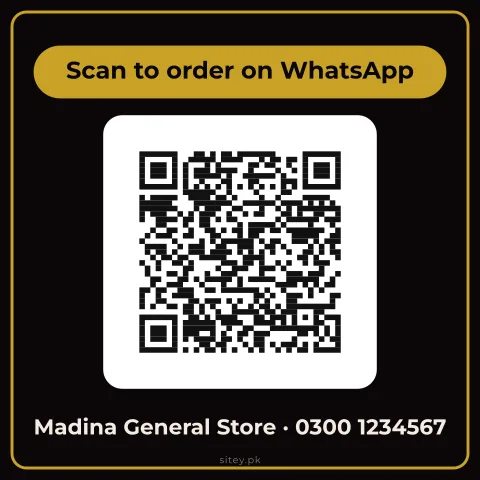
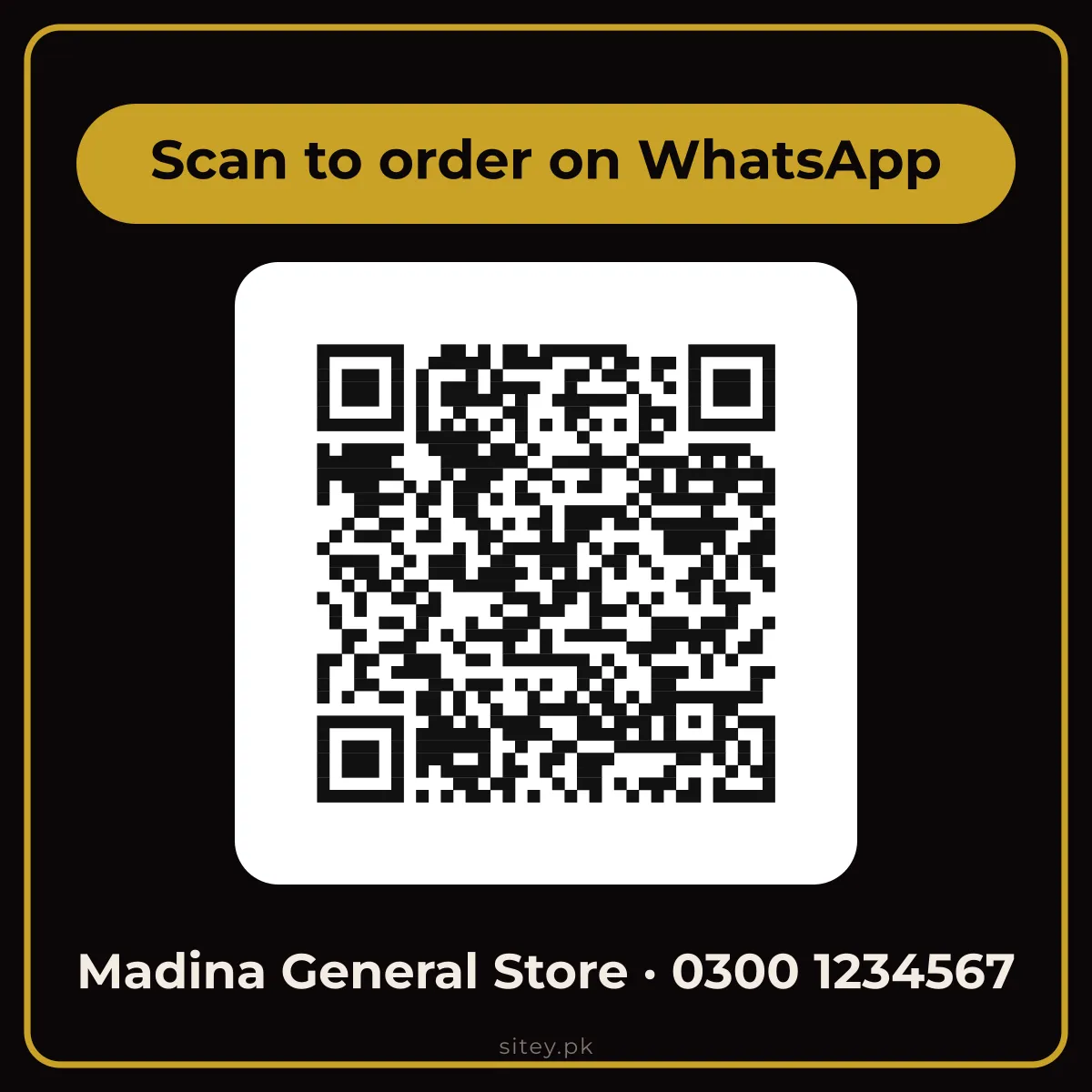 Counter card
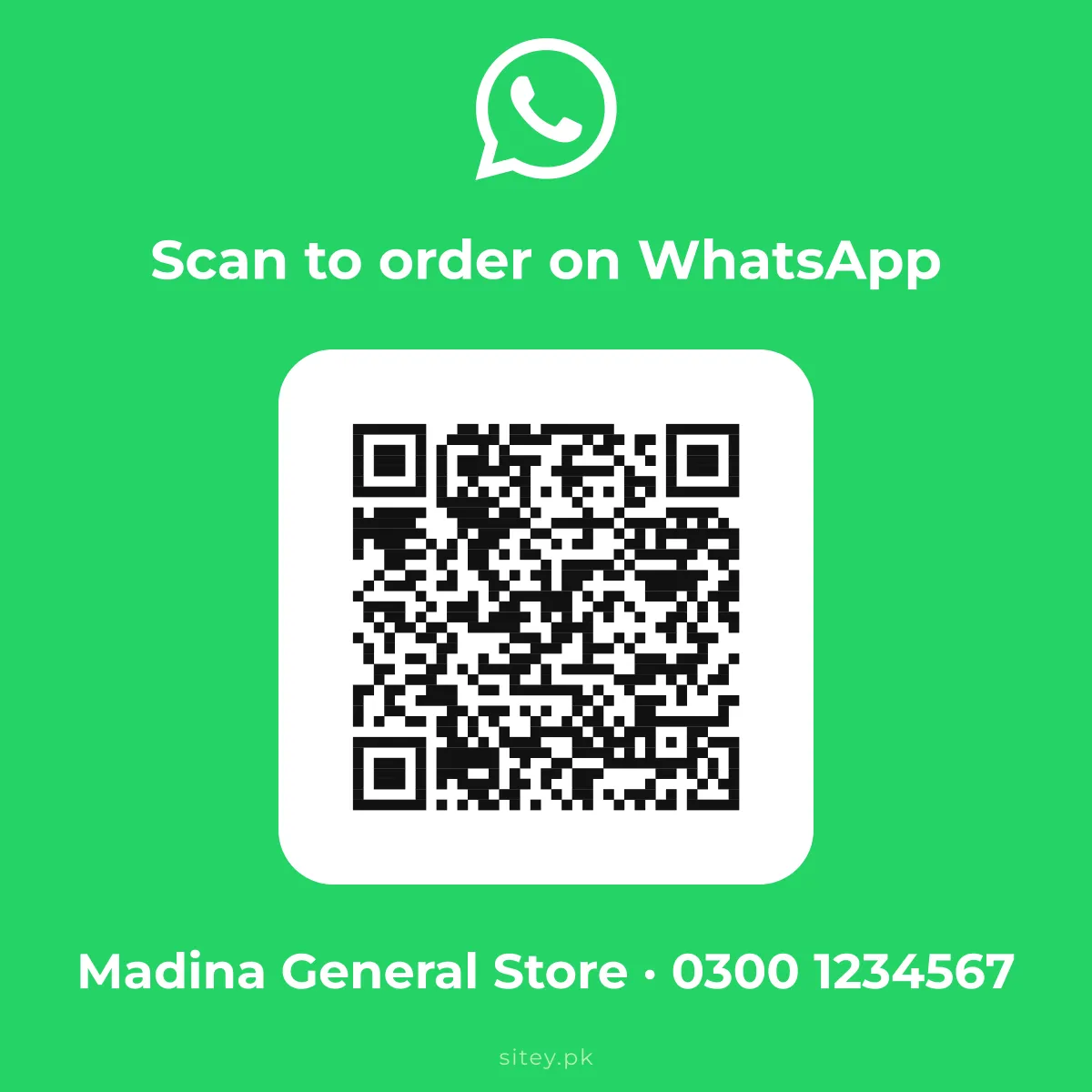 WhatsApp card
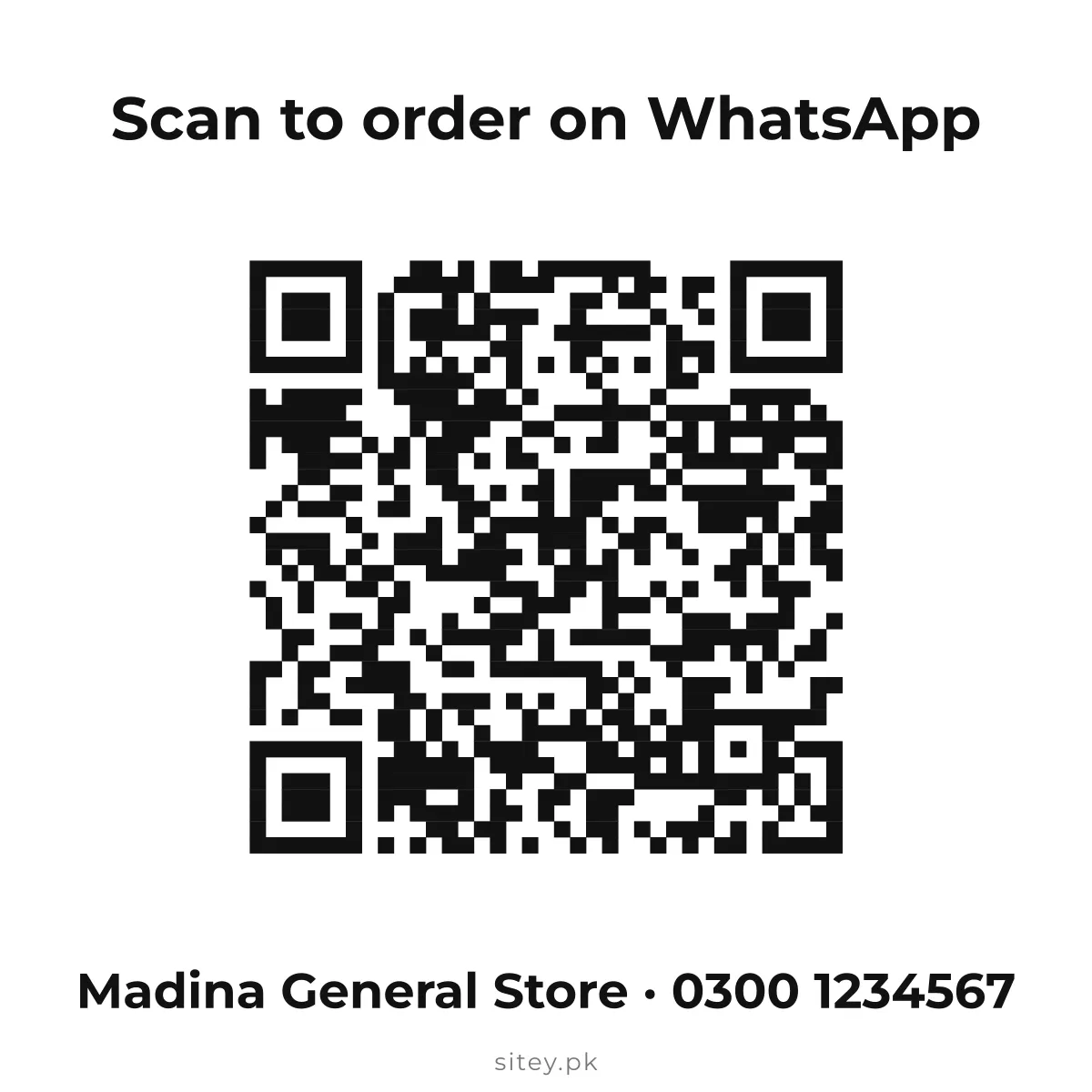 Just the code
It never expires
The code holds your link or number itself, not a short link through someone else’s server, so it keeps working for as long as the link does. Nothing to renew, no account.
Checked to scan
Every design keeps the code dark on light with a clear border, and a logo uses the strongest error correction and covers only the middle, so phones still read it.
WhatsApp with a message
A WhatsApp code opens a chat with your number and a message already typed, such as "I want to order", in Urdu or English.
Questions
Is the QR code generator free?
Yes. Every design, size and file is free, with no account, and the code never expires.
How do I make a QR code for my shop’s WhatsApp?
Choose "WhatsApp chat", type your number like 0300 1234567 and, if you like, a message such as "I want to order". Customers scan it and the chat opens.
Can I make a QR code for my Google location or reviews?
Yes. Choose "Website or link" and paste your Google Maps share link or your Google review link.
Can I put my logo in the middle?
Yes. Add your logo and it sits in the middle; the code switches to its strongest error correction so it still scans.
How do I make a Wi-Fi QR code?
Choose "Wi-Fi", type the network name and the password. Guests scan it and join without typing.
Can I make an EasyPaisa or JazzCash payment QR here?
No. Payment QR codes come from the bank or wallet app itself, so they are linked to your account. Use the one your app gives you.
What size should I print?
A6 for the counter, A5 for the wall, and the 3 × 3 in sticker for a door or a bag. Keep the code at least 2 cm wide.
More free formats
Need your business online too?
Sitey makes websites and Google listings for Pakistani businesses. Verified small businesses get 90% off the setup, and three a week pay nothing.
See the free website offer